




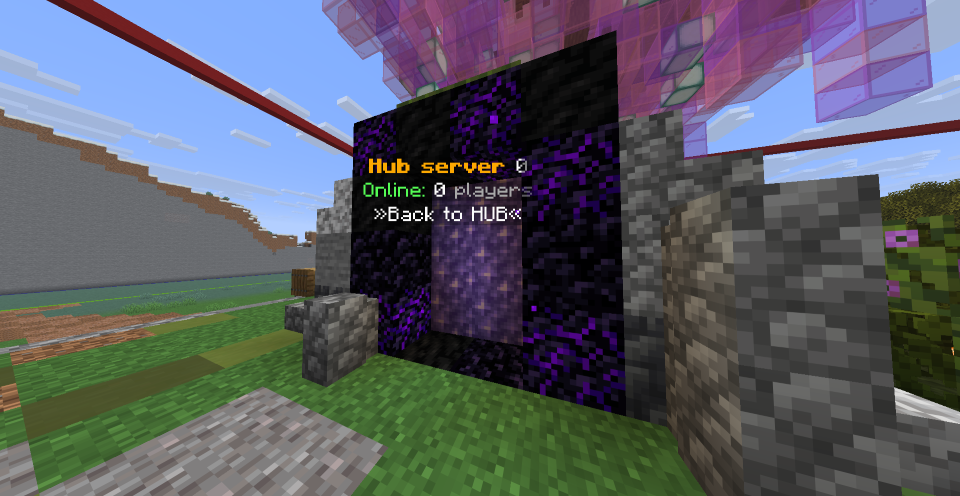
This server was created to support casual players and players using mobile devices, such as iPad, who may find PvP or complex mechanics difficult on many public servers. Our focus is on relaxed gameplay, learning at your own pace, and enjoying Minecraft together without pressure.
Server Features
Self-hosted infrastructure using repurposed older computers for hub and proxy servers
Stable and carefully managed environment
No pay-to-win mechanics
Optional VIP supporter role with cosmetic features only
Friendly and respectful community
Community Values
We value inclusivity, fairness, and respect. Players of all skill levels are welcome, and harassment, cheating, or toxic behavior are not tolerated. Our rules are designed to keep the server safe and enjoyable for everyone.
Our Goal
Our goal is not to be the biggest server, but to be a server where players feel comfortable, supported, and excited to return.
What kind of Minecraft Server is IKD network?
IKD network is a Minecraft Survival Server that caters to players using both Java and Bedrock editions of the game. The server aims to provide a friendly and welcoming environment for players to enjoy a balanced and engaging Survival experience.
- Java Server IP: ikd.f5.si
- Bedrock Server IP: be.ikd.f5.si | Bedrock Port: 19132
- Minecraft Version: The server operates on version 1.21.11
Types of Games and Gameplay on IKD network?
Minecraft servers offer a diverse range of game modes and gameplay types, which is what sets them apart from one another. IKD network is a Minecraft server that offers several types of games and gameplay, including Bedwars, Parkour, PVP, Economy, Survival Games modes.
Server software used to run IKD network?
Using custom server software provides additional features, customization options, and plugin support compared to the original Minecraft server jar. This server has registered their server to use the following server software: Spigot
How do I join the IKD network server?
Join with Minecraft Java edition
- Click on the Java IP here to copy it: ikd.f5.si
- Open Minecraft and click the Multiplayer tab and click Add Server
- Paste the IP into the Add Server option. Click Done
- Click Join and enjoy playing on IKD network
Join with Minecraft Bedrock / Pocket Edition (MCPE)
- Click on the link here to: Add IKD network to Minecraft Pocket Edition
- Click Play and enjoy playing on IKD network Bedrock Edition.
- If the above does not work, then Copy this IP and Port individually. be.ikd.f5.si Port: 19132
- Open Minecraft Pocket Edition and click the Play button
- Open the Servers tab and click on the Add Server option
- Paste the IP into the Server Address field, and the Port in the Port field
- Click Play and enjoy playing on IKD network Bedrock Edition.
