


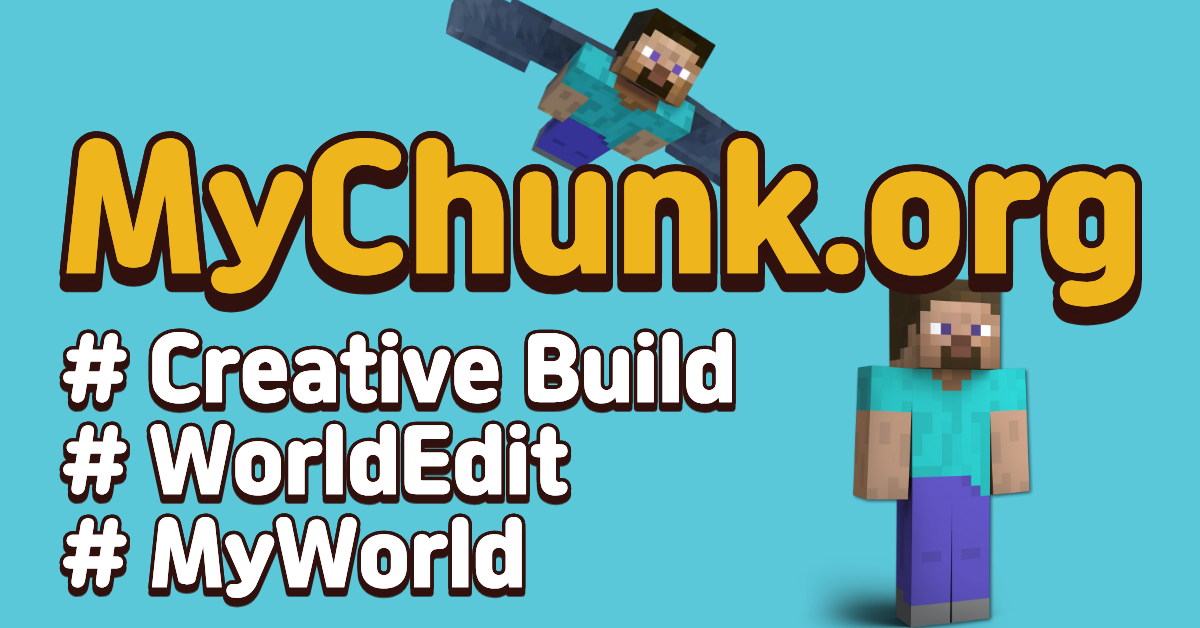
Experience the ultimate freedom of a server where your imagination is the only limit. Whether you are a master builder or just starting, MyChunk provides the perfect canvas for your creations.
✨ KEY FEATURES
🌎 Free MyWorld – Lifetime personal worlds for all users at no cost.
🛠️ WorldEdit Access – Build faster and smarter.
🕊️ Ultimate Freedom – No restrictive rules or unnecessary bans.
🗺️ Live Map – Watch the world grow in real-time.
🌐 SUPPORTED LANGUAGES
[English] • [हिन्दी] • [Bahasa Indonesia] • [Bahasa Melayu] • [ไทย] • [Tiếng Việt] • [日本語] • [한국어] • [Filipino] • [Español] • [Русский] • [Deutsch] • [Français] • [Polski] • [Português (Brasil)] • [Türkçe] • [繁體中文 (香港)] • [繁體中文 (台灣)] • [Hrvatski] • [Čeština] • [Suomi] • [Magyar] • [Italiano] • [עברית] • [Монгол] • [العربية] • [Română] • [Slovenščina] • [Українська] • [Nederlands]
🔗 LINKS
Website: https://www.mychunk.org
Live Map: https://map.mychunk.org
Minecraft Creative Server
マイクラ建築サーバー
마인크래프트 건축서버
Servidor Creativo de Minecraft
Строительный сервер Майнкрафт
Minecraft Bau-Server
เซิร์ฟเวอร์มายคราฟสายสร้าง
Server Minecraft Xây Dựng
माइनक्राफ्ट निर्माण सर्वर
What kind of Minecraft Server is MyChunk?
MyChunk is a Minecraft Skyblock Server that caters to players using both Java and Bedrock editions of the game. The server aims to provide a friendly and welcoming environment for players to enjoy a balanced and engaging Crossplay experience.
- Java Server IP: MyChunk.org
- Bedrock Server IP: MyChunk.org | Bedrock Port: 19132
- Minecraft Version: The server operates on version 26.2
Types of Games and Gameplay on MyChunk?
Minecraft servers offer a diverse range of game modes and gameplay types, which is what sets them apart from one another. MyChunk is a Minecraft server that offers several types of games and gameplay, including Skyblock, Parkour, Earth, Land Claim, CityBuild modes.
Server software used to run MyChunk?
Using custom server software provides additional features, customization options, and plugin support compared to the original Minecraft server jar. This server has registered their server to use the following server software: Spigot
How do I join the MyChunk server?
Join with Minecraft Java edition
- Click on the Java IP here to copy it: MyChunk.org
- Open Minecraft and click the Multiplayer tab and click Add Server
- Paste the IP into the Add Server option. Click Done
- Click Join and enjoy playing on MyChunk
Join with Minecraft Bedrock / Pocket Edition (MCPE)
- Click on the link here to: Add MyChunk to Minecraft Pocket Edition
- Click Play and enjoy playing on MyChunk Bedrock Edition.
- If the above does not work, then Copy this IP and Port individually. MyChunk.org Port: 19132
- Open Minecraft Pocket Edition and click the Play button
- Open the Servers tab and click on the Add Server option
- Paste the IP into the Server Address field, and the Port in the Port field
- Click Play and enjoy playing on MyChunk Bedrock Edition.
