


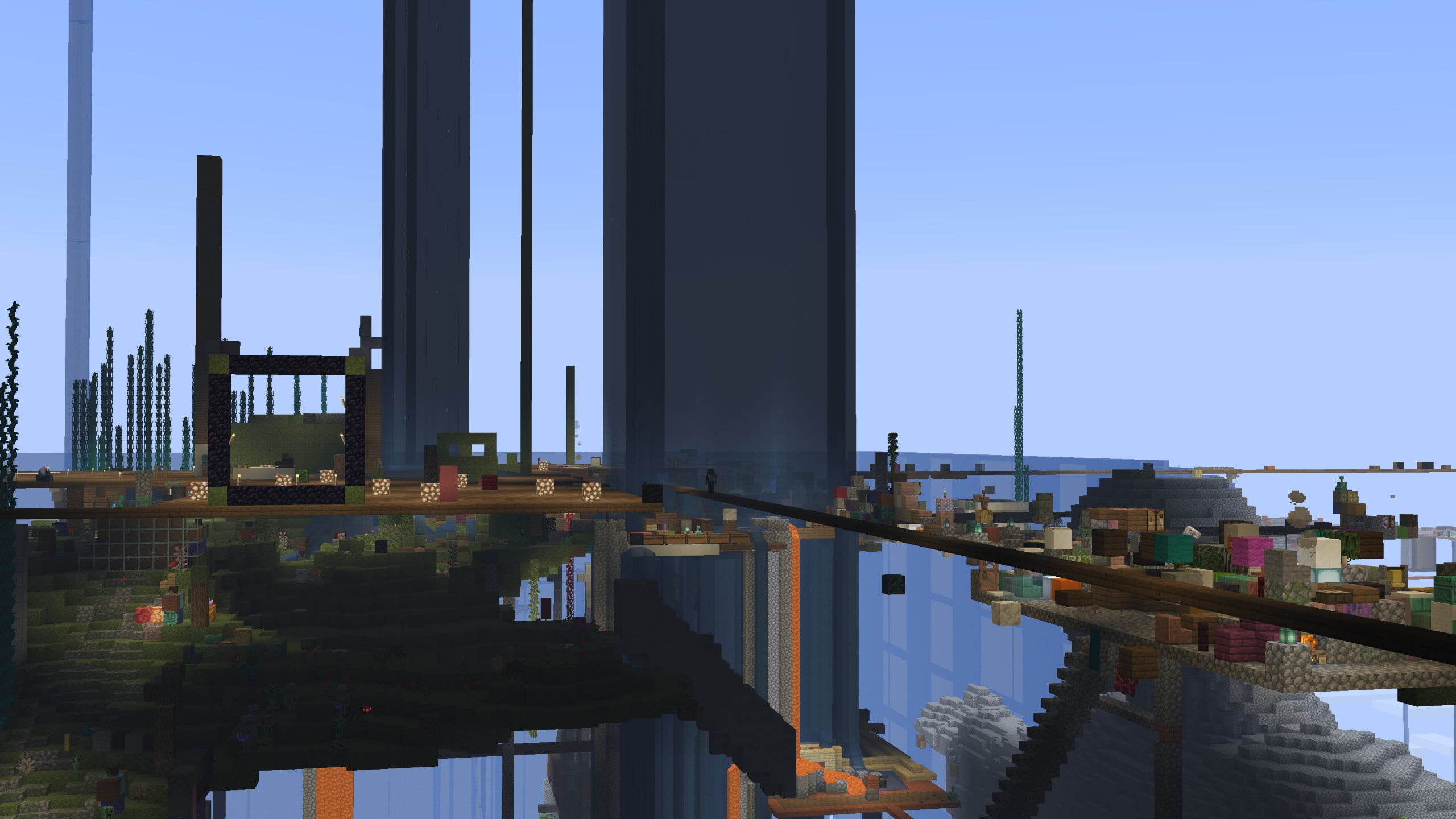

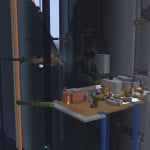
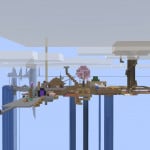
The overworld and all other dimensions are entirely void, with no natural terrain generation at all aside from a single bedrock pillar at 0,0,0. Players are able to build from Y -64 up to Y 415, extending the usual 320-block height limit by 115 blocks.
Players are unable to break blocks placed by others unless they own those blocks or have been added to the owner’s trust list. This makes it possible to create long-lasting structures without needing to worry about them being destroyed. Even so, areas close to spawn may still be griefed through block placement, so caution is advised.
Blocks generated naturally, including those from cobblestone generators, moss spread, or trees grown from saplings, are not assigned to any player. Because of this, they can be broken freely by anyone.
What kind of Minecraft Server is Random Item One Block Server?
Random Item One Block Server is a Minecraft Survival Server that caters to players using both Java and Bedrock editions of the game. The server aims to provide a friendly and welcoming environment for players to enjoy a balanced and engaging Crossplay, Survival experience.
- Java Server IP: rng.harrisons.gg:27046
- Bedrock Server IP: rng.harrisons.gg | Bedrock Port: 24790
- Minecraft Version: The server operates on version 26.1.2
Types of Games and Gameplay on Random Item One Block Server?
Minecraft servers offer a diverse range of game modes and gameplay types, which is what sets them apart from one another. Random Item One Block Server is a Minecraft server that offers several types of games and gameplay, including OneBlock, PVP, PVE modes.
Server software used to run Random Item One Block Server?
Using custom server software provides additional features, customization options, and plugin support compared to the original Minecraft server jar. This server has registered their server to use the following server software: Spigot
How do I join the Random Item One Block Server server?
Join with Minecraft Java edition
- Click on the Java IP here to copy it: rng.harrisons.gg:27046
- Open Minecraft and click the Multiplayer tab and click Add Server
- Paste the IP into the Add Server option. Click Done
- Click Join and enjoy playing on Random Item One Block Server
Join with Minecraft Bedrock / Pocket Edition (MCPE)
- Click on the link here to: Add Random Item One Block Server to Minecraft Pocket Edition
- Click Play and enjoy playing on Random Item One Block Server Bedrock Edition.
- If the above does not work, then Copy this IP and Port individually. rng.harrisons.gg Port: 24790
- Open Minecraft Pocket Edition and click the Play button
- Open the Servers tab and click on the Add Server option
- Paste the IP into the Server Address field, and the Port in the Port field
- Click Play and enjoy playing on Random Item One Block Server Bedrock Edition.
