
Minecraft Server icon for MineByteMineByte
Java Server IP ⟹minebyte.net

Java IP:minebyte.net
Server Status:Online
Last Ping: 2 minutes ago
Server Version: 26.1.2
Players Online:4 / 40
Submitted:2026-05-25 03:18:42
Updated:2026-05-27 17:19:26
Help the ServerVote for Server
Country:United States
Votes in June:70
Votes - all time:113
External Links: Discord

Similar Servers
Simple Survival
Server Icon for Simple Survival
Version: 26.1
Players Online: 87
Votes this month: 3618
BlossomCraft
Server Icon for BlossomCraft
Version: 26.1.2
Players Online: 574
Votes this month: 8
FroggySMP
Server Icon for FroggySMP
Version: 1.21.11
Players Online: 16
Votes this month: 169
The Loft MC
Server Icon for The Loft MC
Version: 26.1
Players Online: 4
Votes this month: 256
Hardcore SMP
Server Icon for Hardcore SMP
Version: 26.1.2
Players Online: 22
Votes this month: 125
Furry Refuge Community Server
Server Icon for Furry Refuge Community Server
Version: 26.1.2
Players Online: 2
Votes this month: 19

Recent Comments & Reviews (0)

No reviews yet. Be the first to leave a review!

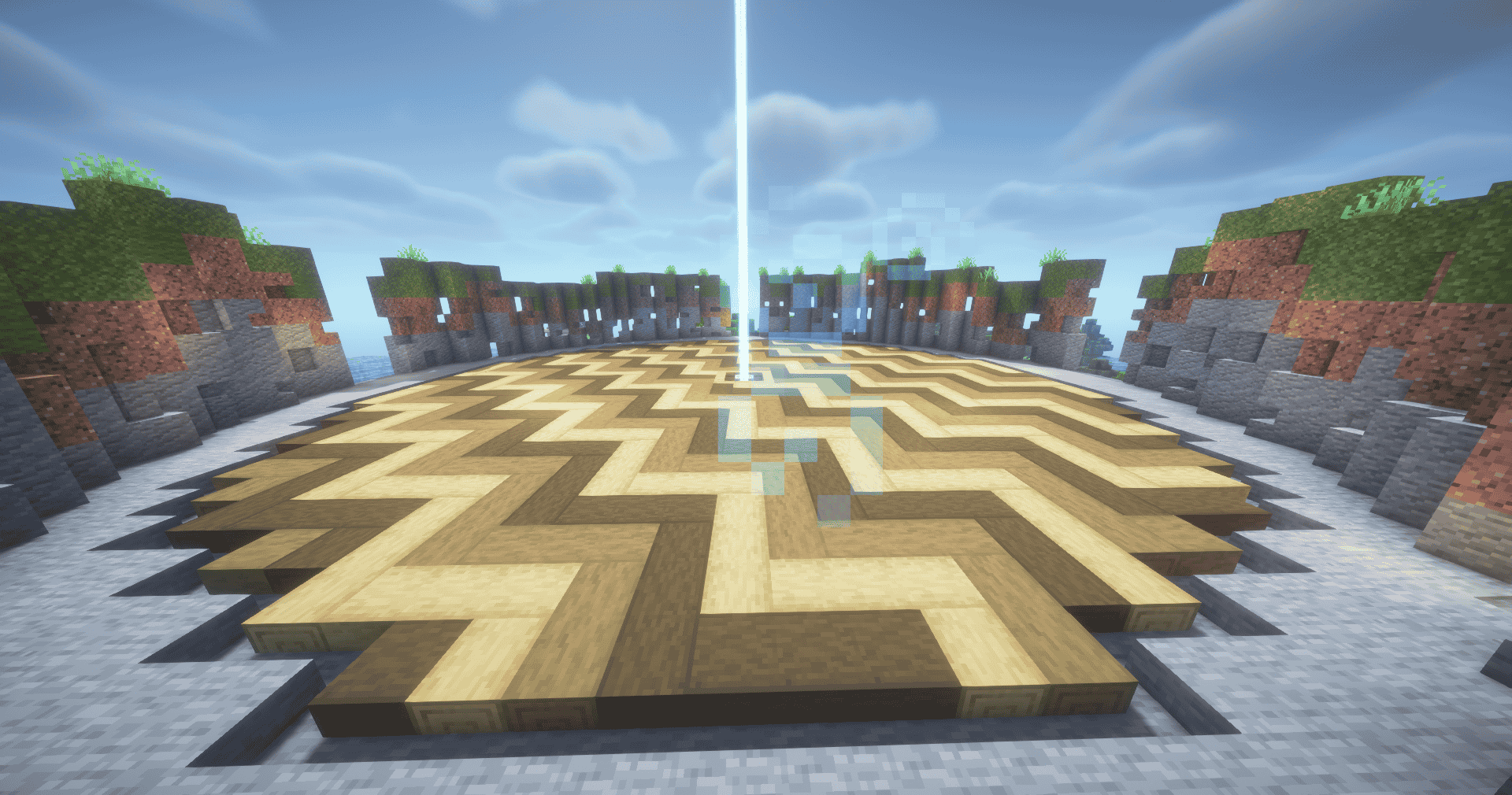
Screenshot from MineByte Minecraft Server
Brand new survival server with a fresh world, active development, and a growing community. Build, explore, trade, and survive with other players from day one. No wiped economy, no giant established clans just a fresh start and new adventures. Join now and help shape the server from the beginning!

What kind of Minecraft Server is MineByte?

MineByte is a Minecraft Survival Server that specifically serves players using the Java edition of the game. The server aims to provide a friendly and welcoming environment for players to enjoy a balanced and engaging Survival experience.

Types of Games and Gameplay on MineByte?

Minecraft servers offer a diverse range of game modes and gameplay types, which is what sets them apart from one another. MineByte is a Minecraft server that offers several types of games and gameplay, including PVP, PVE, Land Claim, Economy modes.

Server software used to run MineByte?

Using custom server software provides additional features, customization options, and plugin support compared to the original Minecraft server jar. This server has registered their server to use the following server software: Spigot

How do I join the MineByte server?

Join with Minecraft Java edition

  • Click on the Java IP here to copy it: minebyte.net
  • Open Minecraft and click the Multiplayer tab and click Add Server
  • Paste the IP into the Add Server option. Click Done
  • Click Join and enjoy playing on MineByte

Free Server Status Banner for your own website / forum (Updates every 5-10 minutes)
MineByte minecraft server


Copy (CTRL+C) one of the above links
Paste (CTRL+V) it into your website or forum signature