





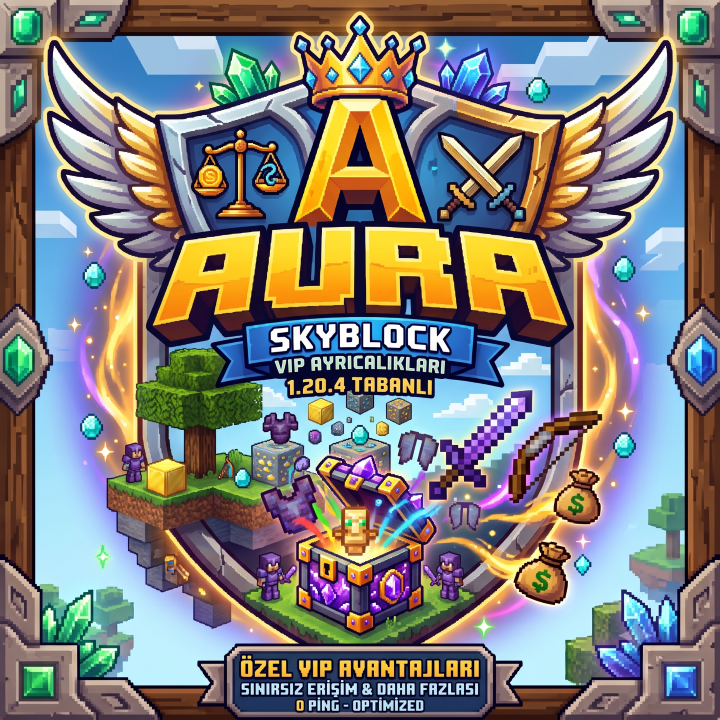
Sıradan Survival sunucularından sıkıldın mı? Kesintisiz performans, eşitlikçi ekonomi ve gelişmiş sistemlerle donatılmış Aura MC dünyasına sen de katıl!
✨ SUNUCU ÖZELLİKLERİ ✨
• 🌍 Bedrock & Java Ortak Giriş: İster bilgisayardan, ister telefondan kesintisiz oyna!
• 🎁 Özel Kasa Sistemleri: Vote vererek tamamen ücretsiz özel kasa anahtarları kazan.
• 💼 Gelişmiş Meslek (Jobs) Sistemi: Çalış, para kazan ve sunucu ekonomisine yön ver!
• 🛡️ %100 Hilesiz ve Adaletli Oyun Deneyimi: Gelişmiş koruma sistemleri ile emeğin güvende.
• ⚡ Düşük Ping & Yüksek Performans: Lag ve donma yaşamadan akıcı oyun keyfi.
🗳️ Neden Oy Vermelisin?
Sunucumuza oy vererek hem büyümemize destek olabilir hem de oyun içinde harika ödüller ve ücretsiz Vote Kasası Anahtarı kazanabilirsin!
🎮 SUNUCU BİLGİLERİ 🎮
• Java IP: play.auramc.com (veya IP Adresin)
• Bedrock (Mobil) IP: IP Adresin
• Bedrock Port: 19132
Aramıza katıl ve krallığını kurmaya hemen başla!
What kind of Minecraft Server is AuraMC?
AuraMC is a Minecraft Survival Server that specifically serves players using the Java edition of the game. The server aims to provide a friendly and welcoming environment for players to enjoy a balanced and engaging Crossplay, Survival experience.
- Java Server IP: 193.164.6.144
- Minecraft Version: The server operates on version 1.20.4
Types of Games and Gameplay on AuraMC?
Minecraft servers offer a diverse range of game modes and gameplay types, which is what sets them apart from one another. AuraMC is a Minecraft server that offers several types of games and gameplay, including Skyblock, PVP modes.
Server software used to run AuraMC?
Using custom server software provides additional features, customization options, and plugin support compared to the original Minecraft server jar. This server has registered their server to use the following server software: Spigot
Additional plugins / mods installed on server
Jobs Reborn, CrazyCrates, GeyserMC, DecentHolograms, Essentials, Economy
How do I join the AuraMC server?
Join with Minecraft Java edition
- Click on the Java IP here to copy it: 193.164.6.144
- Open Minecraft and click the Multiplayer tab and click Add Server
- Paste the IP into the Add Server option. Click Done
- Click Join and enjoy playing on AuraMC
