



Discord: discord.gg/coreygames
Join Goal: 844/1000 (Updated June 1)
Corey Games is a Minecraft network streamed live on YouTube and Twitch, featuring Voice Chat and VR support.
Survival / Hardcore Fusion
Choose your difficulty! Survival automatically becomes Hardcore beyond 5,000 blocks from spawn.
Hardcore Perks:
• No land claims
• 2x sell bonus
• 1-day mode ban upon death
Creative Plots
Build amazing creations and sell them to the highest bidder.
• Create and showcase your builds
• Rate other players' plots from 1–10
• Compete for the best designs
Speedrunners VS AI
Use chat commands to race against other players and AI to beat the game before time runs out while the livestream watches.
Disaster City
A chaotic city survival experience featuring:
• Gun combat
• TNT nukes and city destruction
• 10+ natural disasters to survive
• Taxi and company jobs
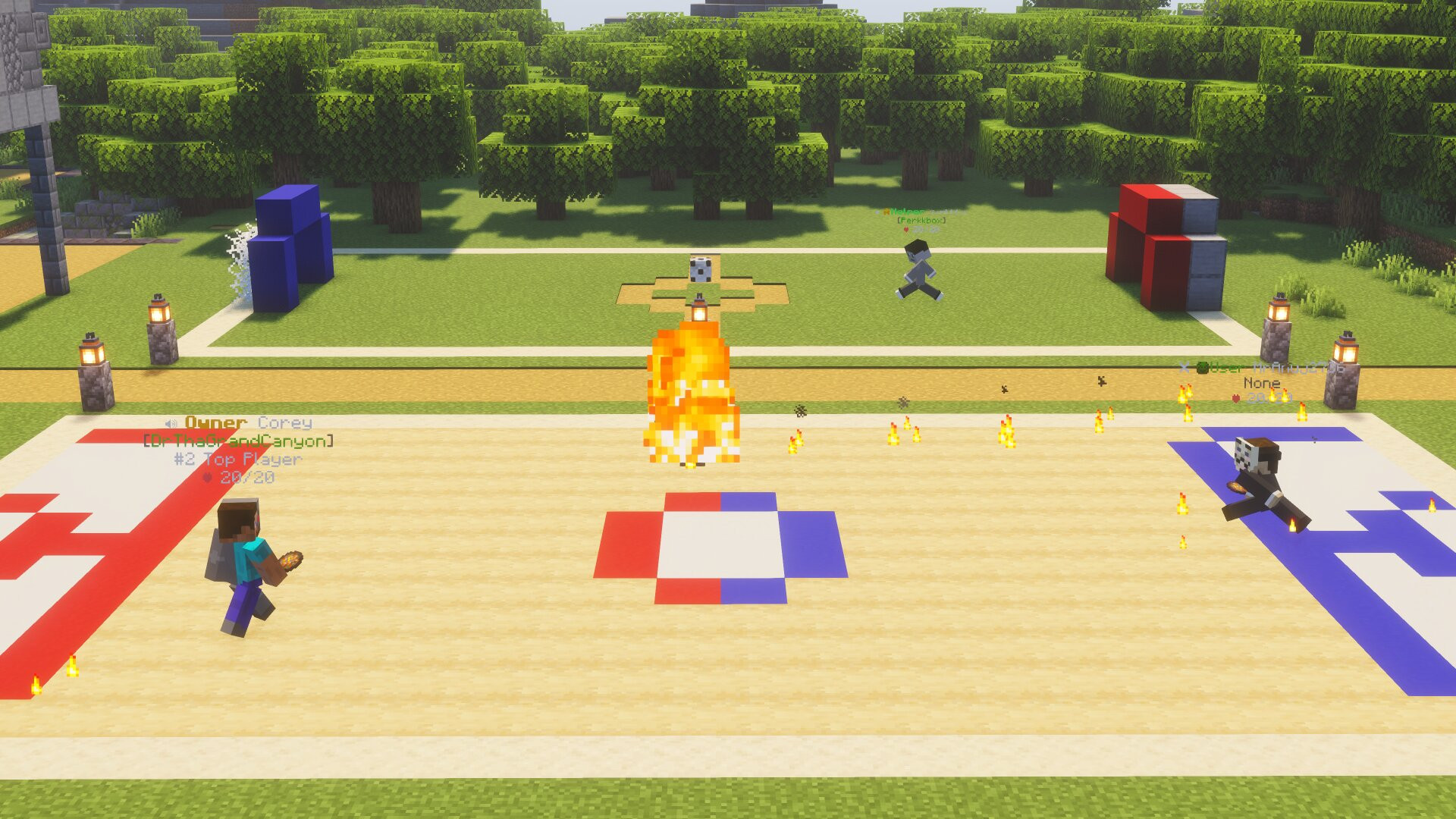
Minigames
Enjoy a variety of minigames, including:
• Sky Wars
• Block Party
• Spleef
• Boat Racing
• 10+ additional minigames
And Much More
There's always something new to discover. The server is updated daily, so jump in and see what's new!
See you there!
What kind of Minecraft Server is CoreyGames.net?
CoreyGames.net is a Minecraft Survival Server that caters to players using both Java and Bedrock editions of the game. The server aims to provide a friendly and welcoming environment for players to enjoy a balanced and engaging Crossplay, Survival, Hardcore experience.
- Java Server IP: CoreyGames.net
- Bedrock Server IP: CoreyGames.net | Bedrock Port: 19132
- Minecraft Version: The server operates on version 26.2
Types of Games and Gameplay on CoreyGames.net?
Minecraft servers offer a diverse range of game modes and gameplay types, which is what sets them apart from one another. CoreyGames.net is a Minecraft server that offers several types of games and gameplay, including Parkour, PVP, PVE, MiniGames, Metaverse, CityBuild modes.
Server software used to run CoreyGames.net?
Using custom server software provides additional features, customization options, and plugin support compared to the original Minecraft server jar. This server has registered their server to use the following server software: Spigot
How do I join the CoreyGames.net server?
Join with Minecraft Java edition
- Click on the Java IP here to copy it: CoreyGames.net
- Open Minecraft and click the Multiplayer tab and click Add Server
- Paste the IP into the Add Server option. Click Done
- Click Join and enjoy playing on CoreyGames.net
Join with Minecraft Bedrock / Pocket Edition (MCPE)
- Click on the link here to: Add CoreyGames.net to Minecraft Pocket Edition
- Click Play and enjoy playing on CoreyGames.net Bedrock Edition.
- If the above does not work, then Copy this IP and Port individually. CoreyGames.net Port: 19132
- Open Minecraft Pocket Edition and click the Play button
- Open the Servers tab and click on the Add Server option
- Paste the IP into the Server Address field, and the Port in the Port field
- Click Play and enjoy playing on CoreyGames.net Bedrock Edition.
