




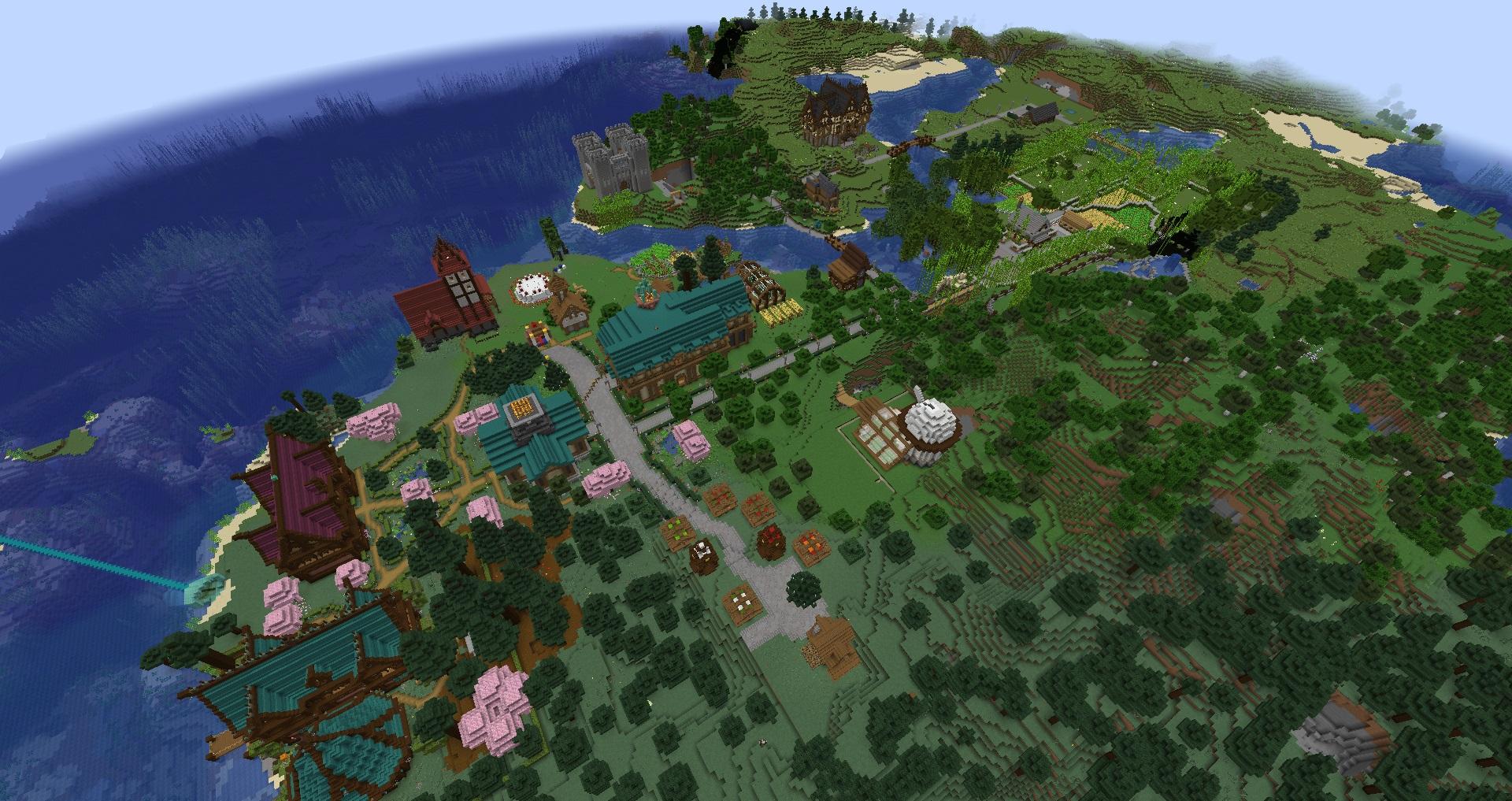

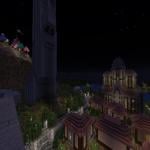
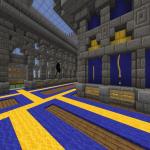
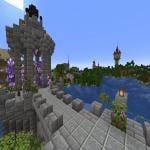
This server is freebuild pure survival, with factions so you can work together with others! Our aim at Mushroom Co. is to provide the best server experience for any player.
We try to cater for any Minecraft playing style, theres a pvp arena for PVP and an awesome shop where you can buy and sell! We have the ChestShop plugin to allow you to create your own shops. Recently, survival games has been introduced to the server and has been a moderate success!
Come join and be a part of our closely-knit community and join in the fun of a wonderful server where everyone respects each others opinion.
No asking for creative mode. There are factions, but only to allow you to claim land so your house doesnt get destroyed. PVP is on, but not recommended as we try to be friendly and nice to one another on Mushroom Co. With PvPToggle, you can also always turn pvp on and off to prevent being hit or killed by other players.
Griefing is not tolerated! We like to help and all be friends on Mushroom Co. and anyone who breaks the peace will instantly be banned. CoreProtect is used to rollback griefers, so you dont have to worry about that!
I am an owner who previously ran a server for a year, then decided to get it hosted, and it has now been upgraded!
[Older ip was 178.239.166.247]
[Old ip was 188.165.170.184]
In case of the hostname mc.webbcraft.co.uk not working, use the numeric IP 88.150.188.114
I have also since added some more plugins such as LWC to protect chests, furnaces and doors, and ChestShop, which allows you to create your own shops and store the shop contents in chests for players to buy from.
More plugins are coming soon, such as the Survival Games and much much more! If you have a plugin suggestion, leave a comment below.
The staff are very nice.
No Greifing, and please be nice and friendly to other players, thanks :
Also, this server is meant to revive or recreate an amazing server that I used to play on, called Webbcraft. So, Welcome to Webbcraft and....
Let the beginning of Webbcraft 3.0 begin..
What kind of Minecraft Server is The Mushroom Co. Survival?
The Mushroom Co. Survival is a Minecraft Survival Server that caters to players using both Java and Bedrock editions of the game. The server aims to provide a friendly and welcoming environment for players to enjoy a balanced and engaging Crossplay, Survival experience.
- Java Server IP: mc.webbcraft.co.uk
- Bedrock Server IP: mc.webbcraft.co.uk | Bedrock Port: 19132
- Minecraft Version: The server operates on version 26.2
Types of Games and Gameplay on The Mushroom Co. Survival?
Minecraft servers offer a diverse range of game modes and gameplay types, which is what sets them apart from one another. The Mushroom Co. Survival is a Minecraft server that offers several types of games and gameplay, including Parkour, Roleplay, PVP, PVE, Land Claim, Factions, Economy, CityBuild modes.
Server software used to run The Mushroom Co. Survival?
Using custom server software provides additional features, customization options, and plugin support compared to the original Minecraft server jar. This server has registered their server to use the following server software: Spigot
Additional plugins / mods installed on server
Factions, Essentials, Chestshop, LWC, PvPToggle, CoreProtect, Survival Games
How do I join the The Mushroom Co. Survival server?
Join with Minecraft Java edition
- Click on the Java IP here to copy it: mc.webbcraft.co.uk
- Open Minecraft and click the Multiplayer tab and click Add Server
- Paste the IP into the Add Server option. Click Done
- Click Join and enjoy playing on The Mushroom Co. Survival
Join with Minecraft Bedrock / Pocket Edition (MCPE)
- Click on the link here to: Add The Mushroom Co. Survival to Minecraft Pocket Edition
- Click Play and enjoy playing on The Mushroom Co. Survival Bedrock Edition.
- If the above does not work, then Copy this IP and Port individually. mc.webbcraft.co.uk Port: 19132
- Open Minecraft Pocket Edition and click the Play button
- Open the Servers tab and click on the Add Server option
- Paste the IP into the Server Address field, and the Port in the Port field
- Click Play and enjoy playing on The Mushroom Co. Survival Bedrock Edition.
